 SoundRR
Practise any song you own: split it into stems, change key and speed, sing along.
Free to use. Works on your phone and your computer.
What it does
Split into stems
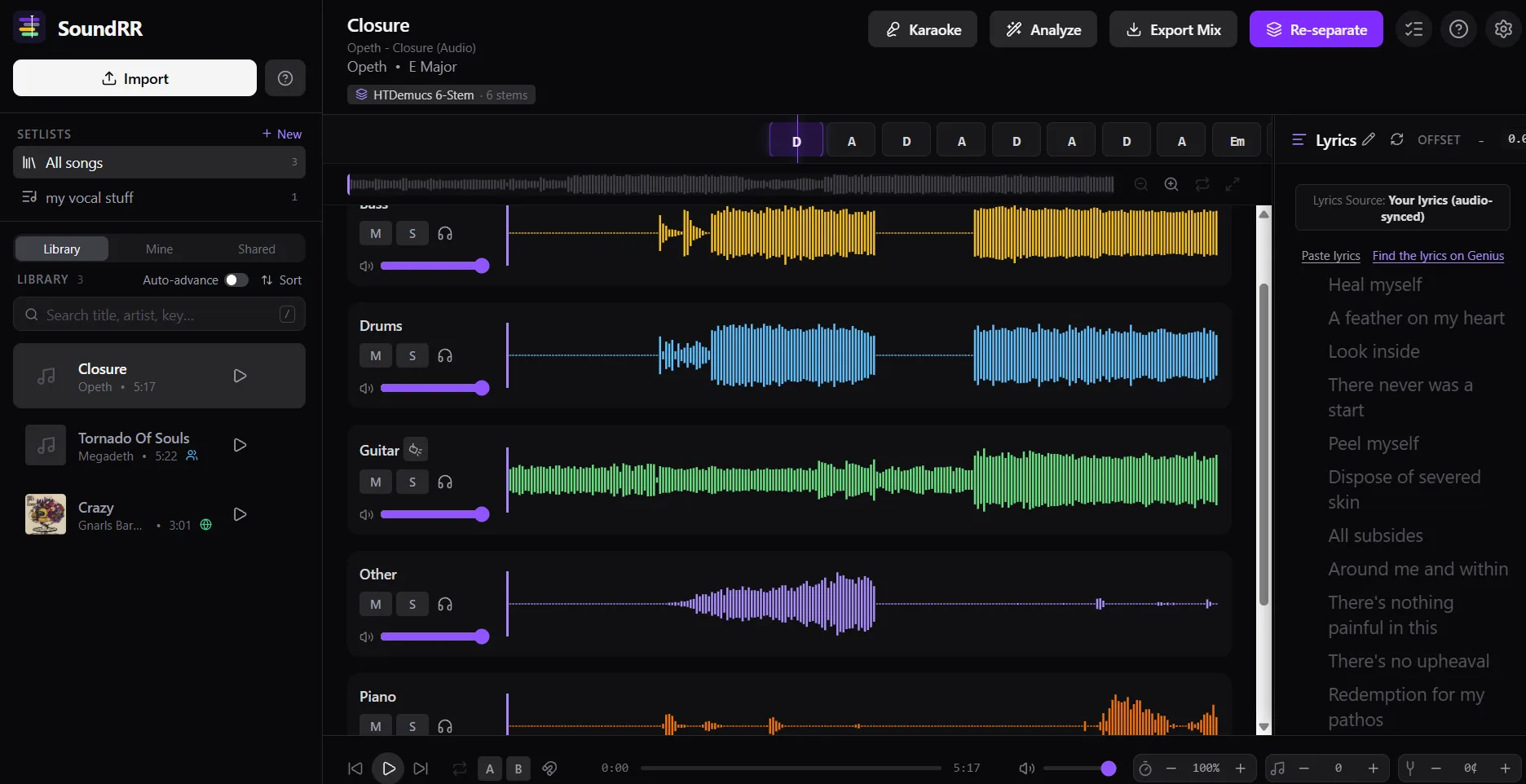
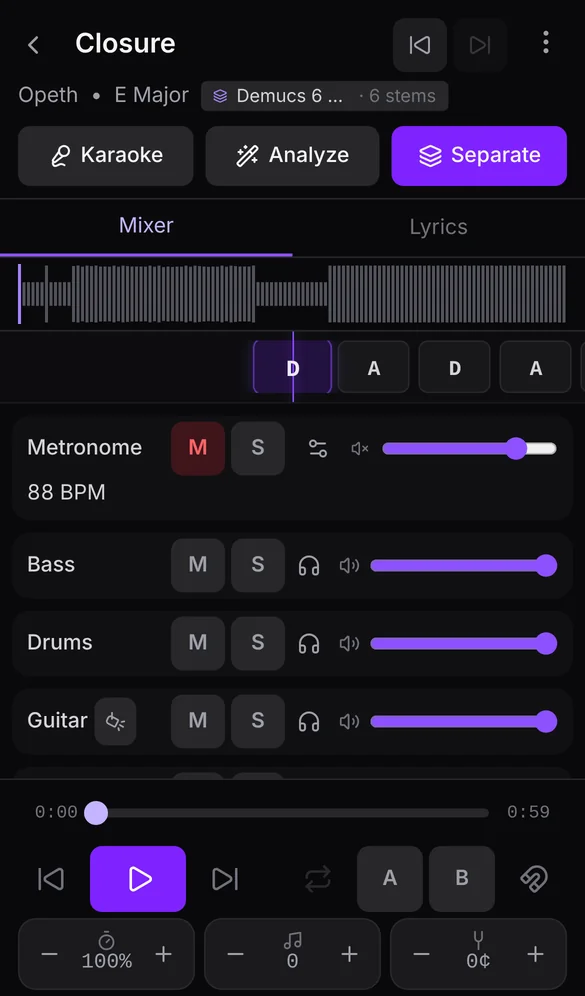
Separate a song into vocals, drums, bass, guitar, piano and other, using the open-source Demucs model.
Mix your own backing track
Mute your instrument, turn the singer down or solo the bass line. You choose what you hear.
Change key and speed
Slow a tricky solo down without changing its pitch, or shift the key to fit your voice.
Loop the hard parts
Select a section and repeat it until it sits right under your fingers.
Lyrics and chords
Follow synced lyrics, either transcribed for you or pasted by you and aligned automatically, plus chords and beat.
Setlists
Put songs in order for rehearsal or a gig and move through them in one tap.
How it works
Upload a song you own
Sign in with Google or your e-mail and add an audio file. It stays private to your account.
We split it into stems
Processing runs in the cloud and usually takes a few minutes. You can leave and come back.
Practise
Mix the stems, set key and speed, loop a part and play along.
Free plan and limits
SoundRR is free. To keep it running we limit what each account can do: one song separation a month (two in your first month), up to 5 songs stored at a time, and songs up to 10 minutes long.
These limits may change over time. We will try to keep them fair for people who practise regularly.
FAQ
Can I upload any song?
Only music you own or have the rights to use, and only for your own private practice. Your files stay private to your account and are never shown to other users. See the Terms.
Is it free?
Yes. The free plan has monthly limits (see above) and they may change. There are no ads.
Which devices does it work on?
Any device with a modern browser: phone, tablet or computer. You can also install it as an app (PWA) from your browser menu.
How do I delete my account?
Open the app, go to Preferences and choose Delete account. Your songs, stems and settings are removed. Details are in the Privacy policy.
Why do I need to wait for approval?
Separating songs uses paid GPU time. When many people sign up at once, we approve new accounts in batches so the service stays affordable and fast for everyone.